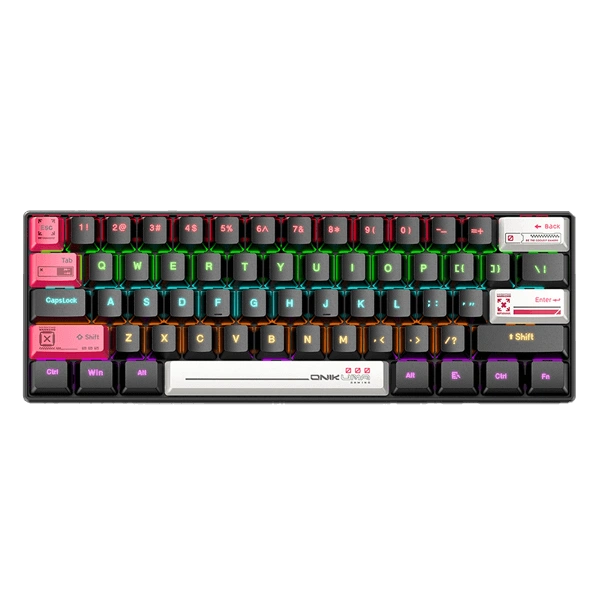
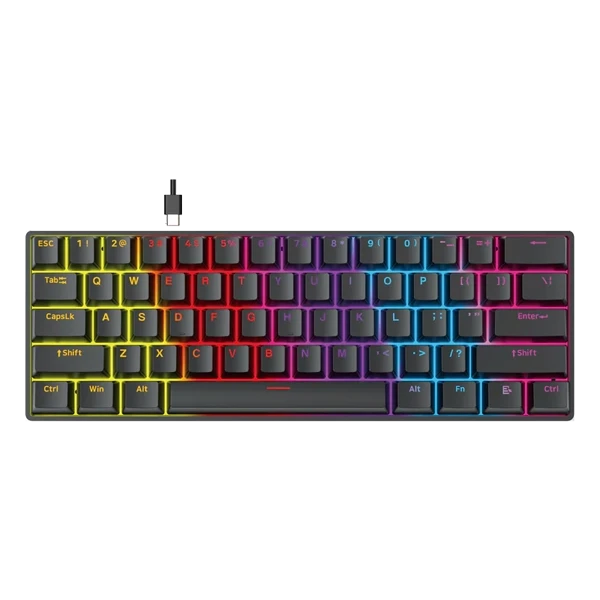
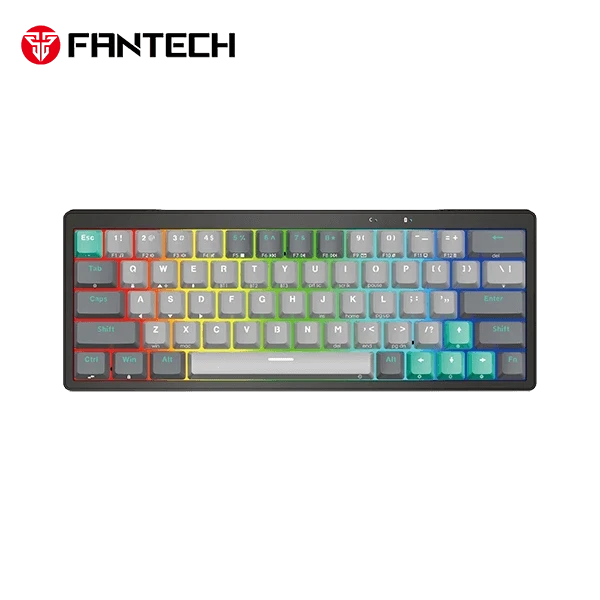
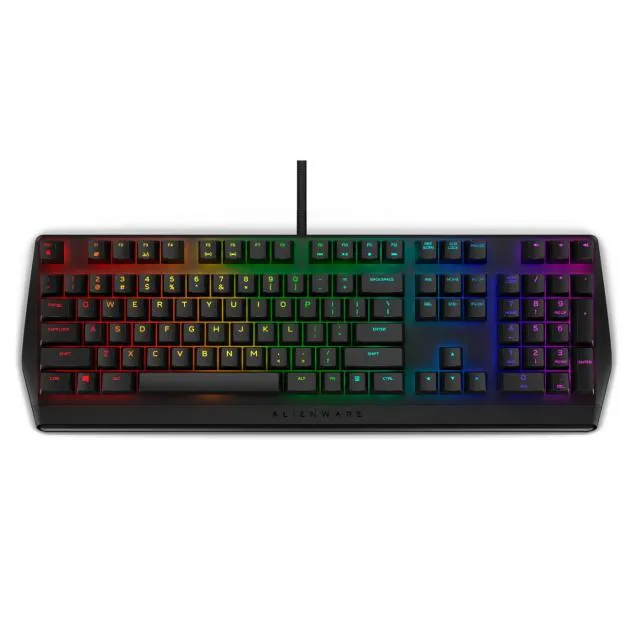
The Onikuma G55 is a precision-engineered 60% mechanical keyboard designed for gamers and multitaskers who value desk space and performance. By utilizing a compact 61-key layout, it eliminates unnecessary bulk, making your desktop cleaner and providing more room for sweeping mouse movements during intense gaming sessions.
At its core, the G55 is equipped with mechanical brown axis switches, delivering a satisfying tactile response and a durable lifespan of up to 20 million keystrokes. To ensure accuracy during high-stakes play, the keyboard features 21 full anti-ghosting keys, preventing missed inputs when multiple keys are pressed simultaneously.
Visual customization is a standout feature, with 17 different RGB lighting effects that can be toggled via the FN+\| shortcut. For those with specific gaming needs, the keyboard supports 5 fixed gaming modes with customizable key lighting tailored to different game genres, creating a fully immersive atmosphere.
Build quality is emphasized through carefully polished ABS keycaps. To add a personal touch, the Onikuma G55 supports custom keycap replacement and comes bundled with 6 replacement keycaps to get you started with your own personalized style.
Connectivity is seamless via a USB Type-C plug-and-play interface with a 1.5m cable. Whether you are using Windows (XP through 10), Mac OS, PC, or Linux, the G55 integrates effortlessly into your setup, offering a high-value entry point into the world of mechanical gaming peripherals.
Specifications
category
Mechanical
Keyboard Type
info
RGB
Lighting
info
Gaming
Usage
thumb_up Pros
Mechanical switches provide better tactile feedback than membrane keyboards
RGB backlighting enhances the gaming aesthetic
Designed specifically for gaming durability
thumb_down Cons
Lack of detailed technical specifications makes it hard to compare switch types
Mechanical keyboards can be louder than standard office keyboards
Since specific pricing and detailed specs are currently unavailable, we recommend checking local Sri Lankan retailers for the specific switch type (Blue, Red, or Brown) to ensure it matches your typing preference. Compare the price with other entry-level mechanical keyboards to ensure you are getting a fair deal.
★★★★★
"The 61-key layout is perfect for my small desk, and the RGB effects really add to the gaming vibe."
★★★★★
"Surprisingly tactile feel for a budget mechanical keyboard; the brown switches are a great middle-ground."
★★★★★
"Love that it comes with extra keycaps to customize the look right out of the box."